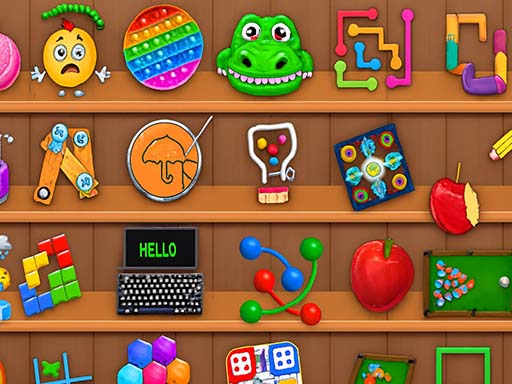
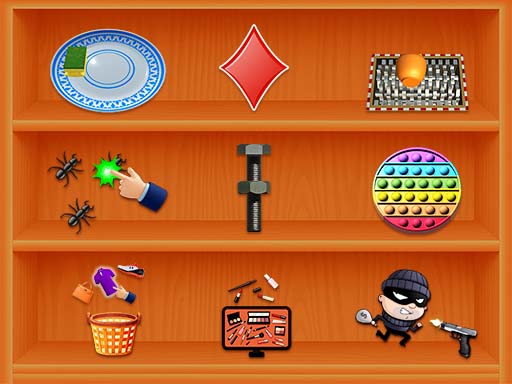
About Brainstorming
Brainstorming is a tricky brain-teaser puzzle game that breaks the rules of logic! Forget everything you know — here the obvious answer is almost always wrong. Solve hundreds of clever riddles where the solution is hidden in plain sight. Drag objects, tap, combine items and think outside the box to crack each level. Every puzzle is a fresh surprise that will test your wit, attention and creativity. Hundreds of unique tricky levels Trains logic, focus and lateral thinking Funny and unexpected solutions Free to play, no registration ‍‍ Fun for the whole family Can you outsmart Brainstorming and beat every level?
Brainstorming belongs to the Puzzles category and is best for family-friendly casual play. GamPlayer keeps this page useful with a large play screen, quick facts, reporting and related games.
How to play Brainstorming
- Press Play now or scroll to the game screen.
- Wait for the embedded game to load from GameMonetize.
- Use tap click to interact with objects on the screen drag items to move them around some levels require tapping in several places at once read each task carefully mdash the answer is often hidden in the question itself.
- Use fullscreen if the game needs extra space.
Tips for a better session
- Scan the whole board before making your first move.
- Slow decisions usually work better than rushed clicks.
- Share the page if you want an easy way back later.