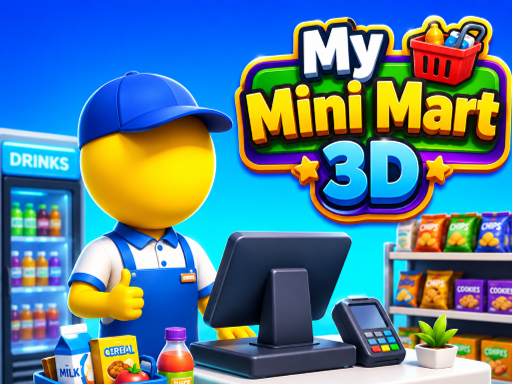
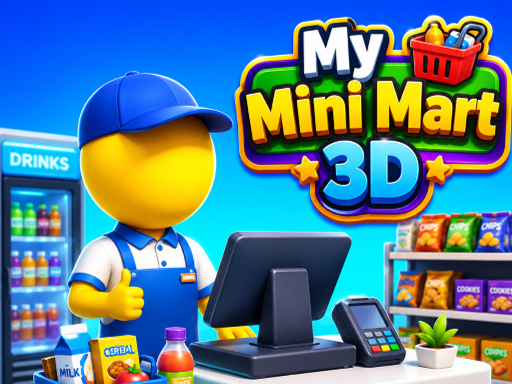
About My Mini Mart 3D
Welcome to My Mini Mart 3D, the ultimate supermarket management and shopping simulation game! Start with a small mini market and transform it into a thriving supermarket empire. Grow fresh crops, stock shelves, serve customers, earn profits, and unlock exciting new sections as your business expands. Take control of every part of your store—from farming and harvesting to managing inventory and satisfying customers. Upgrade your market, hire helpers, and become the best supermarket tycoon in town!
My Mini Mart 3D sits in the cooking category here and suits a relaxed pick for younger players. It renders at 800x600 in landscape..
How to play My Mini Mart 3D
- Open the play frame with Play now; My Mini Mart 3D loads straight from GameMonetize with nothing to install.
- To Play Game Use Mouse To Play Game Use Keyboard.
- This one runs landscape, so use fullscreen or turn a phone sideways for the framing it was designed around.
My Mini Mart 3D at a glance
- Play area
- 800x600 px, landscape
- Also tagged
- 2026 Games, Adventure, Best Games, Casual
How My Mini Mart 3D compares
The closest cooking pages on GamPlayer are Pizza Maker food Cooking Games, Cooking Fast 4: Steak and Madness Cooking. My Mini Mart 3D sits alongside that group on provider quality score.
Tips for a better session
- The play area is 800x600; fullscreen on a laptop gives you the framing it was built for.
- Controls are listed as to play game use mouse to play game use keyboard, so check that against your device before a long session.
- Read the first in-game screen; it usually carries the controls the page cannot.
- If this one is close but not quite right, the related games list is a faster route than search.
Frequently asked questions
Is My Mini Mart 3D free to play?
Yes, and nothing needs installing. The GameMonetize build loads straight into the play frame on this page.
What are the controls for My Mini Mart 3D?
To Play Game Use Mouse To Play Game Use Keyboard. The same list sits in the details panel next to the play frame.
Can I play My Mini Mart 3D on a phone?
My Mini Mart 3D runs landscape at 800x600. It works on a phone turned sideways, and fullscreen gives it the intended framing on smaller screens.
What games are similar to My Mini Mart 3D?
Start with Pizza Maker food Cooking Games, Cooking Fast 4: Steak, Madness Cooking; all three are cooking pages with comparable scores.


