PLAYER GUIDE
How to play Car Stunt Racing
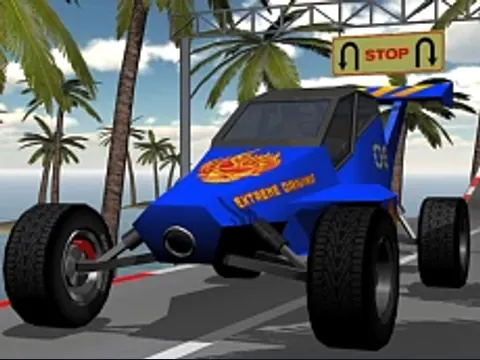
Take a stunt car around elevated courses with sharp bends, ramps and moving obstacles. The introductory track gives you room to learn the steering before spending coins on upgrades or other tracks.
- Open the settings cog and choose keyboard or mouse controls. The initial mouse mode does not accelerate with the arrow keys.
- Select the introductory track and press Start. In mouse mode, hold the left mouse button to accelerate and move the pointer to steer.
- Slow down before a tight bend, then line up with the next ramp or obstacle.
- Return to the track and upgrade menus to use coins earned by completing courses.
A few useful tips
- The cockpit view makes speed easy to read; change the camera if you need a wider view of an obstacle.
- Gentle steering is easier to control than a sudden correction near the edge.
If something isn’t working
If the car stays still, check which control mode is selected. Click inside the player before using keyboard controls. Use a desktop computer for this build.
Controls are catalog references; check the in-game instructions. Device support and browser builds can differ. Our testing standards · Updated October 31, 2026.