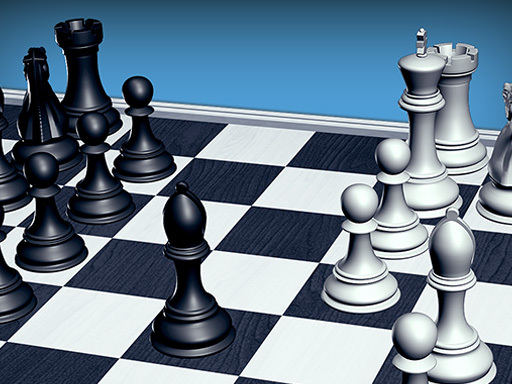
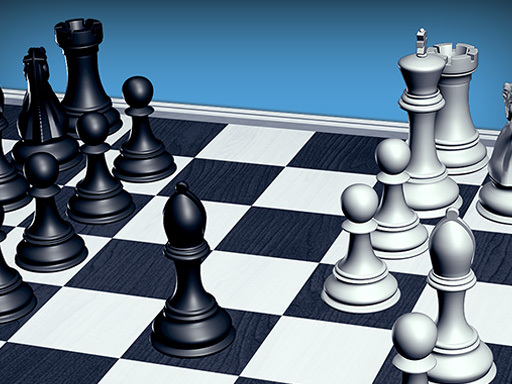
About Chess 3D
Challenge your mind with Chess 3D, a beautifully designed strategy board game that brings the timeless game of chess to life with stunning 3D graphics and smooth gameplay. Whether youre a beginner learning the basics or an experienced player sharpening your tactics, Chess 3D offers an engaging experience for every skill level.
Chess 3D is filed under hypercasual and works best as quick browser entertainment. It renders at 800x600 in landscape..
How to play Chess 3D
- Open the play frame with Play now; Chess 3D loads straight from GameMonetize with nothing to install.
- - To click any button use mouse.
- This one runs landscape, so use fullscreen or turn a phone sideways for the framing it was designed around.
Chess 3D at a glance
- Play area
- 800x600 px, landscape
- Also tagged
- 2026 Games, Amazing, Arcade, Board
How Chess 3D compares
The closest hypercasual pages on GamPlayer are Sonic Superstars, Rainbow Survivor and 2,3,4 Player Games. Chess 3D sits alongside that group on provider quality score.
Tips for a better session
- The play area is 800x600; fullscreen on a laptop gives you the framing it was built for.
- Controls are listed as - to click any button use mouse, so check that against your device before a long session.
- Try fullscreen if the view feels cramped, especially on a laptop.
- Give it two attempts before judging it; most of these open harder than they play.
Frequently asked questions
Is Chess 3D free to play?
Yes. Chess 3D runs in the browser with no download, no install and no account, served from GameMonetize in the frame above.
What are the controls for Chess 3D?
- To click any button use mouse. You will also find them in the at-a-glance list higher up the page.
Can I play Chess 3D on a phone?
Chess 3D runs landscape at 800x600. It works on a phone turned sideways, and fullscreen gives it the intended framing on smaller screens.
What games are similar to Chess 3D?
The nearest matches are Sonic Superstars, Rainbow Survivor, 2,3,4 Player Games. Scroll to the similar games row for the full hypercasual set.