PLAYER GUIDE
How to play Underrun
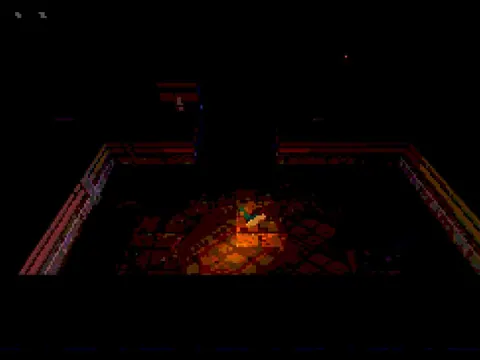
Underrun sends you into a dark facility to restore failed computer systems. Movement and aim are independent: keep moving while firing at robotic enemies, then find the computers needed to continue.
- Wait for the opening terminal sequence, then click to deploy.
- Use WASD or arrow keys to move and the mouse to aim and fire.
- Explore the connected rooms and approach the active blue computers to reboot them.
- Restore every system in the area to move to the next stage. Watch the health indicators and collect health pickups.
A few useful tips
- Keep moving while you shoot; standing still makes it easier to be surrounded.
- Use the room layout to approach enemies from a direction with room to retreat.
If something isn’t working
Use a desktop browser with WebGL. Click the player to enable audio and input. Retry reloads the run. This compact game uses intentionally low-resolution graphics and dark lighting.
Controls are catalog references; check the in-game instructions. Device support and browser builds can differ. Our testing standards · Updated October 31, 2026.