PLAYER GUIDE
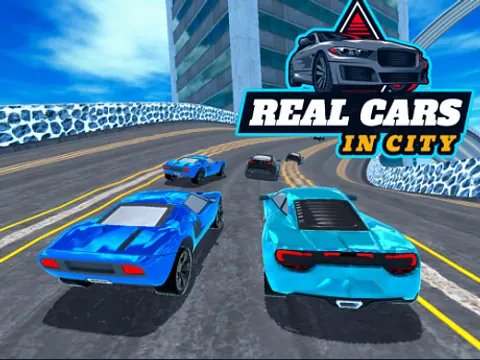
How to play Real Cars in City
Real Cars in City offers a garage, career driving courses and other driving modes. Start with an available car and learn its steering and braking before attempting the faster sections of a course.
- Wait for the publisher's WebGL download. Choose Career Mode and a course type, or explore another mode from the main menu.
- Select an available starter car, press Select, then choose the first unlocked course.
- Click inside the player and use the arrow keys or WASD to drive. Start with short acceleration inputs while learning the car's steering.
- Use C to change the camera and R if the car becomes stuck. The in-game nitro prompt shows Shift; follow the control prompts in the loaded build.
A few useful tips
- Brake before a tight bend, then steer through it. A fast approach can push the car into the outer barrier.
- Practise the first course before buying or upgrading another car. A reset lets you continue learning after a bad collision.
If something isn’t working
This is a desktop game with a large first download. Give the loading screen time to finish and click inside the player for keyboard focus. R resets a stuck car. Ads and browser storage are controlled by the publisher; GamPlayer does not provide cross-device saves.
Controls are catalog references; check the in-game instructions. Device support and browser builds can differ. Our testing standards