Provided by HTMLGames. Includes in-game ads. The publisher receives your connection when you press play.
Press play to start
PUBLISHER-HOSTED · IN-GAME ADS
Mouse play reviewed on desktop. Touch controls are supplied by the publisher, but a physical phone has not been tested here. This official publisher player retains its advertising and browser storage. GamPlayer does not transfer its saves between devices.
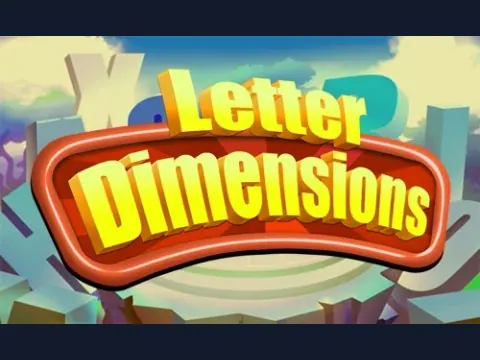
Letter Dimensions hides matching letters around a rotating 3D structure. A visible letter is not always selectable: its cube must have two adjacent sides free.
Choose Play and inspect the exposed corners of the letter structure.
Select two available cubes bearing the same letter to remove the pair.
Use the large rotation arrows to see letters on the other sides of the structure.
Recheck newly exposed cubes after a match and watch the timer while clearing the layout.
A few useful tips
The same cube displays its letter on more than one face; those faces are not two separate matching cubes.
Rotate when the current view has no useful pair, then look at the newly exposed corners.
If something isn’t working
Check the two-free-adjacent-sides rule if a cube will not select. Use the in-game arrows to rotate, and the pause/Help buttons to review the rules.
Controls are catalog references; check the in-game instructions. Device support and browser builds can differ. Our testing standards
Before you play Letter Dimensions
A rotating 3D tile puzzle with timed layouts. Matching visible letters is only part of the task: each cube also needs two adjacent sides free.
Open this browser game without a separate app installation. Your connection still loads the game files.
Why can I not select a letter cube?
A selectable cube needs at least two adjacent sides free. Rotate the view and check the exposed corners; a visible letter can still be blocked.
How do I rotate Letter Dimensions?
Use the large left and right arrows beside the structure. Recheck the newly visible letters after rotating or removing a pair.
Are two faces of one cube a matching pair?
No. One cube can display its letter on multiple faces. Select two different available cubes with the same letter to remove a pair.
Page information updated . Input support and saves depend on the specific build; a controls reference is not a test on every device.