Sports / BROWSER GAME

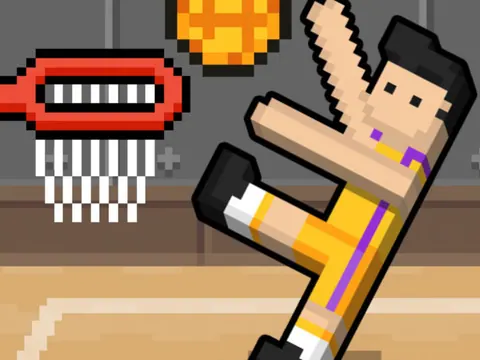
Basket Random

Crazy ragdoll physics basketball with dynamic changing courts and one-key chaos

YOUR GAME IS READY TO OPEN

Basket Random

Game files load when you press play.

Press play to start
keyboard controls listedtouch controls listed
Report a problem ↗

PLAYER GUIDE

How to play Basket Random

A basketball game built around one-button jumping and changing physics. Choose the local two-player mode to share the same device with a friend.

  1. Choose one-player or two-player mode on the game’s opening screen.
  2. Use the displayed player keys to jump and contest the ball. In two-player mode, players need separate controls.
  3. Watch the changing player positions and react when the ball comes within reach.

A few useful tips

  • Wait for a useful position rather than holding your jump key through every exchange.
  • Agree on who controls each side before starting a local match.

If something isn’t working

For local multiplayer, use a physical keyboard. Read the in-game player labels if they differ from the catalog controls.

Controls are catalog references; check the in-game instructions. Device support and browser builds can differ. Our testing standards
Before you play Basket Random

Quick basketball matches against the computer or someone beside you. Choose two-player mode for a shared-keyboard match.

Open this browser game without a separate app installation. Your connection still loads the game files.

What are the Basket Random two-player controls?

Choose two-player mode. Player 1 uses W and Player 2 uses Up Arrow. Click inside the player before starting; use the in-game labels if this build shows different bindings.

Can my friend play from another computer?

The two-player mode described here is local: both people use the same device. This page does not provide remote matchmaking.

How can I make jumping more consistent?

Watch the ball and your players before pressing jump. Waiting for a useful position is often more effective than repeatedly pressing the key without looking.

Page information updated . Input support and saves depend on the specific build; a controls reference is not a test on every device.

Choose your next game

Find games with a similar setup:

Game loading and keyboard help · Browse player guides

KEEP EXPLORING

More sports games

Browse all games →

Taking a break

Your game is behind this screen. Audio may continue.