PLAYER GUIDE
How to play Soccer Random
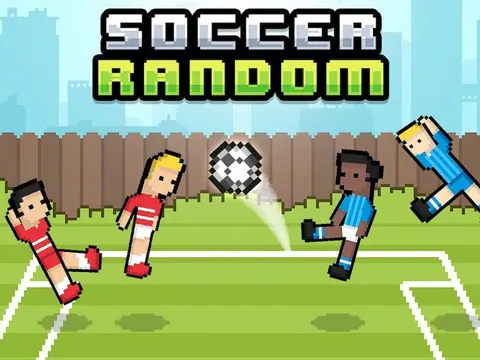
Jump and kick in a football match where the player positions and physics can change. Play against the computer or choose two-player mode for someone beside you.
- Select one-player or two-player mode from the opening menu.
- In local two-player mode, Player 1 uses W and Player 2 uses Up Arrow. Click inside the game before pressing either key.
- Watch the ball approach and time your jump to make contact rather than pressing continuously.
- When the next round changes the positions, take a moment to read the new setup.
A few useful tips
- Agree on each person's side before the match starts.
- A jump made too early can leave you out of position when the ball arrives. Try changing your timing on the next exchange.
If something isn’t working
If Up Arrow scrolls the page, click inside the game. These instructions describe local shared-keyboard play, not remote multiplayer.
Controls are catalog references; check the in-game instructions. Device support and browser builds can differ. Our testing standards