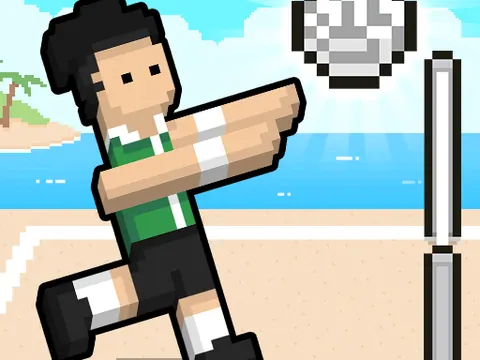
Sports / BROWSER GAME

Volley Random

Flailing limbs and unpredictable volleyball physics across tropical beaches and snowy peaks

YOUR GAME IS READY TO OPEN

Volley Random

Game files load when you press play.

Press play to start
keyboard controls listedtouch controls listed
Report a problem ↗

PLAYER GUIDE

How to play Volley Random

Read the ball's arc and time a jump to meet it. Choose local two-player mode when sharing a keyboard with someone beside you.

  1. Select a mode and check which team each person controls.
  2. Use the displayed player keys; the local reference lists W and Up Arrow for the two sides.
  3. Watch the ball before jumping to hit or block, then prepare for the next return.

A few useful tips

  • Wait for a useful jumping position instead of pressing continuously.
  • Follow the ball as well as your team, because the next landing changes your timing.

If something isn’t working

Click the game after a menu to restore keyboard focus. This guide describes local play on one device, rather than remote online matches.

Controls are catalog references; check the in-game instructions. Device support and browser builds can differ. Our testing standards
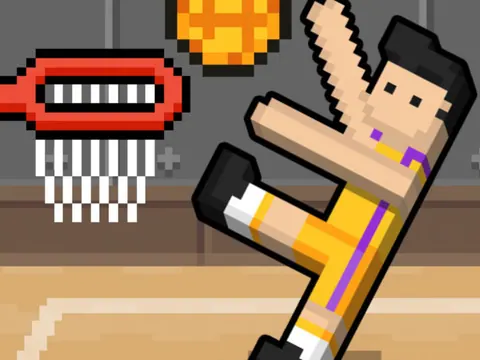
Before you play Volley Random

Physics volleyball built around jump timing and reading the ball. A shared keyboard lets two people play beside each other.

Open this browser game without a separate app installation. Your connection still loads the game files.

What keys do two players use in Volley Random?

Choose two-player mode and check its labels. The reference lists W for Player 1 and Up Arrow for Player 2; click inside the game before using either key.

How do I improve my timing?

Watch the ball's direction and wait until your jump can meet it. Repeated presses without checking the ball can leave your players in a poor position.

Can a friend join from another device?

The mode described on this page is local play on one computer. GamPlayer does not add remote matchmaking to the game.

Page information updated . Input support and saves depend on the specific build; a controls reference is not a test on every device.

Choose your next game

Find games with a similar setup:

Game loading and keyboard help · Browse player guides

KEEP EXPLORING

More sports games

Browse all games →

Taking a break

Your game is behind this screen. Audio may continue.