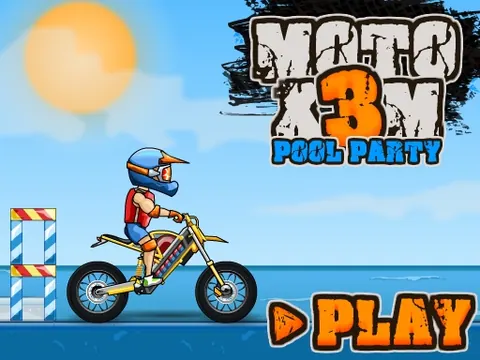
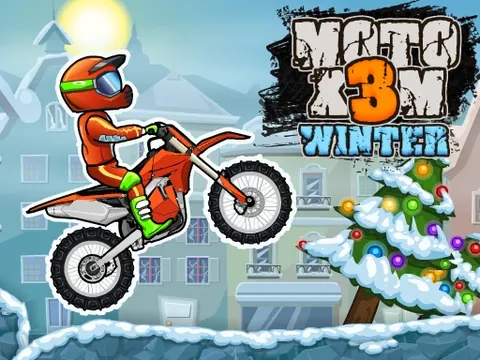
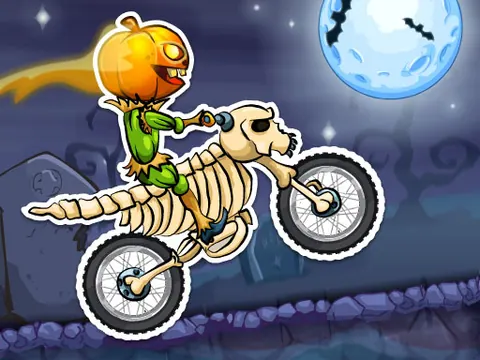
Take a stunt bike through water-park ramps and tricky landings.
YOUR GAME IS READY TO OPEN
Moto X3M Pool Party
Provided by GameMonetize. Includes in-game ads. The publisher receives your connection when you press play.
Press play to start
PUBLISHER-HOSTED · IN-GAME ADS
Keyboard play on desktop. The publisher lists mobile support; a physical touchscreen has not been tested here. Publisher ads and branding remain. Browser storage belongs to this game edition; GamPlayer does not synchronize progress across devices.
Pool Party moves the bike challenge into water-park scenery and a different set of stunt courses. The bright setting still demands careful balance: a fast launch is only useful if you can land it.
Open the level map and select an unlocked course.
Use Up and Down for acceleration and braking, with Left and Right to balance.
Watch the next ramp and landing area before building speed.
Retry from the available restart point after a crash. Revisit a course once you understand its obstacle sequence.
A few useful tips
Use a small correction rather than holding a balance key all the way through a jump.
Check the path beyond the next crest so the landing also sets up your following move.
If something isn’t working
Click the player once before using arrow keys. The publisher manages loading, ads and this edition's local progress; an Original-edition save is not a Pool Party save.
Controls are catalog references; check the in-game instructions. Device support and browser builds can differ. Our testing standards
Before you play Moto X3M Pool Party
Water-park stunt-bike courses with jumps and hazards. Use small balance corrections and read the landing before building speed.
Open this browser game without a separate app installation. Your connection still loads the game files.
What is different about Moto X3M Pool Party?
Pool Party has its own water-park setting and course layouts. It is a separate game edition, with progress managed by its own supplied player.
What keys control Pool Party?
Use Up/Down to accelerate and brake, and Left/Right to balance. Use the restart button or crash prompt when you need another attempt.
Is Pool Party free and ad-free?
It is free to start in the browser and retains publisher ads. This page does not offer an ad-free license or transfer a save from another edition.
Page information updated . Input support and saves depend on the specific build; a controls reference is not a test on every device.
Choose your next game
Try another Moto X3M edition
Each edition has separate courses and progress. Pick a different setting without changing the controls reference.