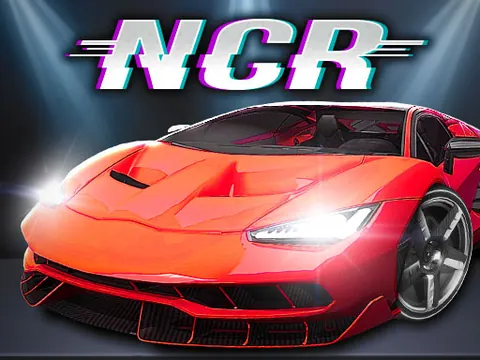
Learn the car, tackle race courses and explore a neon driving city.
YOUR GAME IS READY TO OPEN
Night City Racing
Provided by GameMonetize. Includes in-game ads. The publisher receives your connection when you press play.
Desktop keyboard and mouse required.
Press play to start
PUBLISHER-HOSTED · IN-GAME ADS
Desktop keyboard with WebGL and a larger first download. One-player controls are listed below; local two-player mode uses different bindings shown in-game. Publisher ads and storage remain. Physical phones are not offered for this build.
Night City Racing combines car selection with several ways to drive through its 3D environment. Start with a free-driving or introductory course to learn steering and braking before relying on nitro.
Let the WebGL player finish loading, then choose a mode and an available car.
In one-player mode, drive with WASD or the arrow keys.
Use Shift for nitro only after lining up the car with a clear stretch of road.
R resets the car, C changes the camera and T looks back. Check the control screen before starting local two-player mode.
A few useful tips
Brake before a sharp corner instead of trying to turn at maximum speed.
Try the camera views to find one that makes the next bend easy to read.
If something isn’t working
This build needs a desktop keyboard. Click inside the player for input focus and allow extra time for the first download. Use R if the car becomes stuck; the game's local two-player bindings differ from this one-player reference.
Controls are catalog references; check the in-game instructions. Device support and browser builds can differ. Our testing standards
Before you play Night City Racing
A desktop WebGL car game with racing and free-driving options. Allow time for the larger first download and use a physical keyboard.
Open this browser game without a separate app installation. Your connection still loads the game files.
What are the Night City Racing one-player controls?
Drive with WASD or the arrow keys, use Shift for nitro, R to reset and C to change the camera. The in-game reference takes priority when switching player modes.
Can I play this build on my phone?
This supplied build is offered for desktop keyboard play. GamPlayer does not offer or certify it as a physical-phone game.
Why does Night City Racing take time to start?
The WebGL player has a larger first download and may show publisher ads or loading screens. Let it finish, then click inside the game for keyboard focus.
Page information updated . Input support and saves depend on the specific build; a controls reference is not a test on every device.